
Update: Why not check out the icons I made for my new Seagate Backup Plus Portable
I just bought a 2TB Seagate External Hard Drive because I filled my 1TB Iomega drive a little while ago (What a lovely problem to have).
I tried to find an icon to use, but I only managed to find the black icon version, courtesy of Rupert Gee and I really wanted an icon to match my white hard drive. I am a bit anal retentive like that.
I googled and googled, but I still couldn’t find one, so I gave up and thought I would go ahead and make one myself. I found a decent image through Google Images (link) and I used Photoshop, Icon Composer (need to have X-Tools installed) and Candybar to create the icon I eventually ended up with. Okay okay, it took longer to write this post than to make the icon….
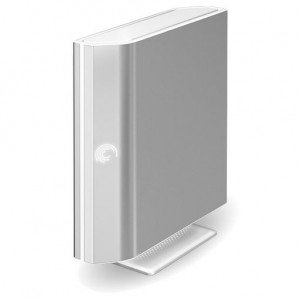
This is a preview of the Seagate FreeAgent Icon for Mac OS X
If you want this puppy on your desktop when you plug your FreeAgent hard drive into your mac, the next thing would be to download the icon. Disclaimer: If you don’t know how to change an icon in Mac OS X, read this article and watch the video.
Unfortunately I somehow lost this download. Thanks for your interest.

